
Guide
Panel vs In Game Sensitivity Settings: Which Should You Use?
Free Fire has its own sensitivity screen and the panel has a studio. How they divide the work, and the setup order that avoids double tuning chaos.

CONTENTS On this page
Free Fire has its own sensitivity screen and the panel has a studio. How they divide the work, and the setup order that avoids double tuning chaos. Start from Indus GG app if you need the panel itself, then work through the notes below in order.
Two screens, one feel
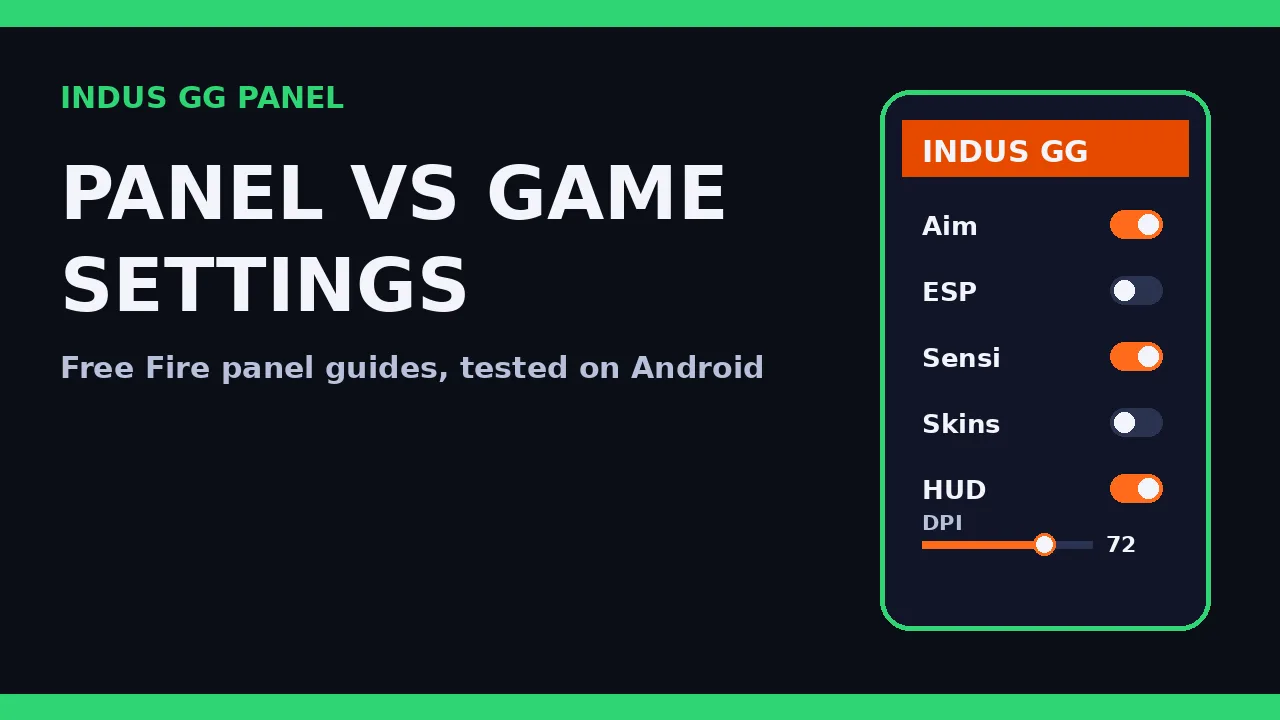
Both screens ultimately shape the same thing: how your swipe becomes camera movement. The in game screen is the base layer every player has; the panel studio adds its own profile and sits alongside it. The chaos starts when players tune both screens in the same session, because then nobody, including the player, knows which change did what.
Pick one primary home for your numbers. Most panel players keep the game screen at a sane middle baseline and do their real tuning in the studio, where their profile lives and where the other menus already are. the low end phone setup is that studio method in full.
A sane division of work
Game screen: set it once, mid range, and leave it. Studio: general, scopes and free look, tuned with drills. DPI: device level, tuned before both. That order, DPI, game baseline, studio profile, gives every layer one job and makes problems diagnosable. When aim feels off, you test the studio first because it is the layer you actually steer.
Change the game screen only when a major game update resets it. the guest account testing method explains the DPI layer if your feel changes between phones.
The double tuning trap
If you have already tuned both screens into a tangle, reset to the division above: game screen to middle, DPI to your tested value, then rebuild the studio profile with stop tests. An hour of honest rebuilding beats a month of compensating for a tangle you cannot describe.
Quick Answers
Which screen should hold my real numbers?
Keep the game screen at a mid baseline and do your real tuning in the panel studio, where your profile lives.
What order should I tune in?
DPI first, then the game baseline once, then the studio profile with drills. One layer, one job.
My aim broke after a game update. Which layer moved?
Updates can reset the game screen. Check it first, restore your baseline, then retest the studio.
Can I use only the game settings and skip the studio?
You can, but you lose the panel profile, the per scope studio workflow and the notes based routine this site teaches.